
 Add to Chrome
Check these competitor pricing pages against the attached baseline. Compare the same plan, currency, region, and billing interval. Report changes in prices, included usage, or overages with the old value, new value, source URL, and date checked. Mark blocked pages as not checked.
All use cases
MONITORING
Catch the changes that matter.
Choose the pages and changes worth watching. On a paid plan, schedule checks and get the changed values with links to their sources.
BEST FORTeams tracking prices, listings, policies, launches, or competitor pages.
WHAT YOU GET
Only the changes that need your attention
- 01The previous and current value
- 02When the change appeared
- 03A direct link to the affected page
COPY A START
Use a prompt. Make it yours.
Replace the examples with your pages, rules, and approval point. rtrvr will work from the request you give it.
Watch these product pages for price or availability changes. Alert me only when something changes and include the affected page.
Set a browser task to repeat.
See how a saved task becomes a schedule. Scheduling requires a subscription; test a one-time check first.
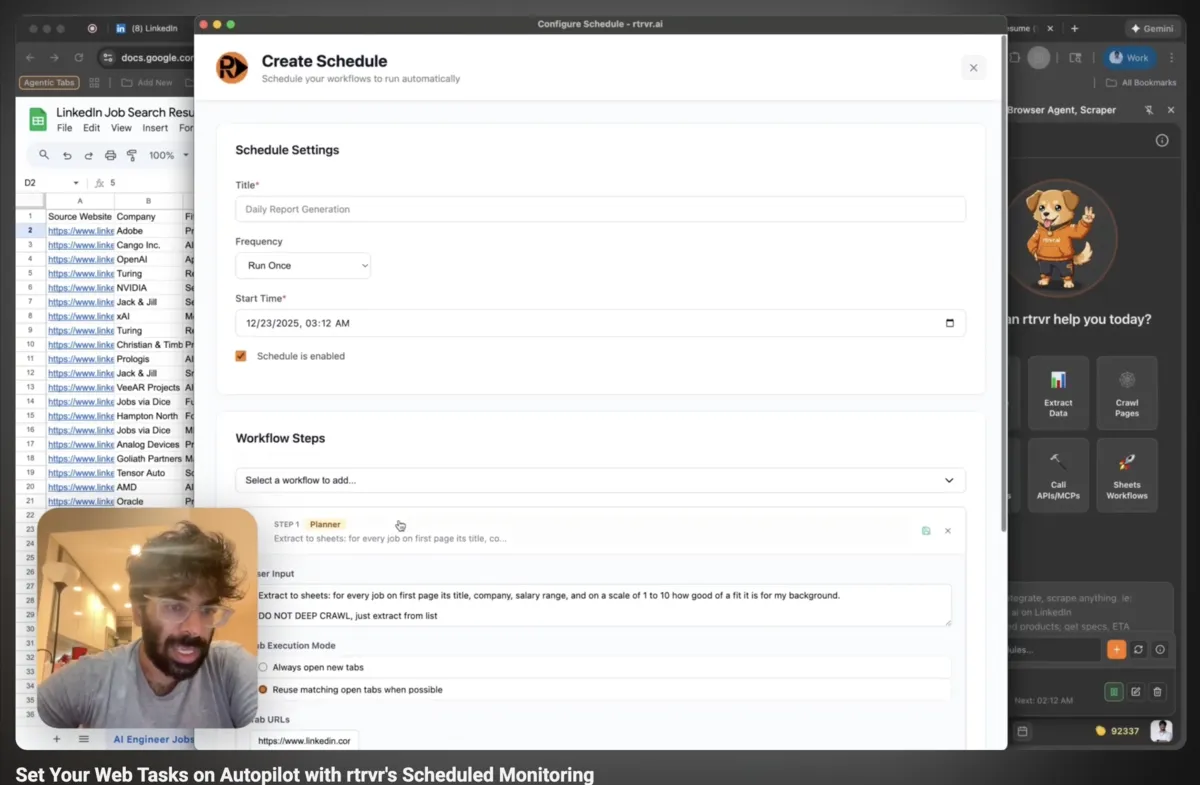
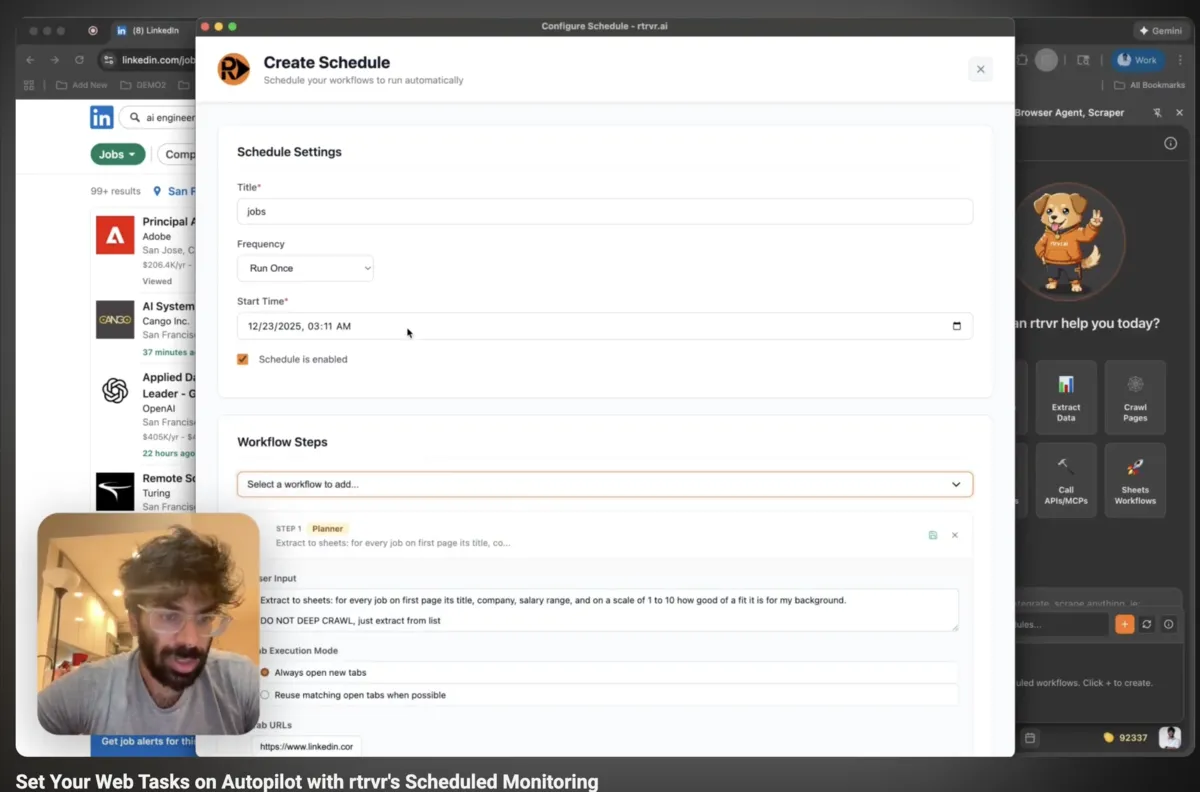
ONE-TIME CHECK → PAID SCHEDULE
Check once before you schedule it.
Save each competitor’s plan, price, currency, billing interval, included usage, and overage terms with a source URL and date. Check this first result, then use a paid plan to schedule the same request.
| Keep | Compare | Report |
|---|---|---|
| Source URL and date | The same product or plan | Which page changed |
| Currency and billing interval | Monthly with monthly | Previous and current price |
| Unknown or blocked fields | Only verified values | What could not be checked |
Check the result.
Keep the region and monthly or annual selection the same between checks. Compare saved values before reporting a change; a missing price is not a price drop. Choose an alert destination when you configure the schedule. A blocked page is a failed check, not evidence that nothing changed.
HOW THE RUN WORKS
Start small. Check the result.
Tell Retriever AI which pages to use, what to return, and where to pause. Review a small sample before expanding the task.
- 01
Choose what matters
Set the pages, fields, and exact change that deserves an alert.
- 02
Run the check
A scheduled browser run reads the current state at the time you choose.
- 03
Send the difference
You receive the changed values and their source pages, not another full export.
WHY THIS FITS
A saved run repeats the same check without rebuilding the instructions each time.
WHERE TO RUN IT
Pick the fastest way to start.
Use Chrome for sites you’re already signed into. Use Cloud for a separate browser, or the API for tasks from your own tools. Schedules require a paid plan.
Monitoring template
Set up the first page from a prepared recipe.
Open Cloud
Schedule and review repeat runs without keeping a tab open.
RUN YOUR VERSION